
Liminal Keys: Apple code signing without the private key on your Mac
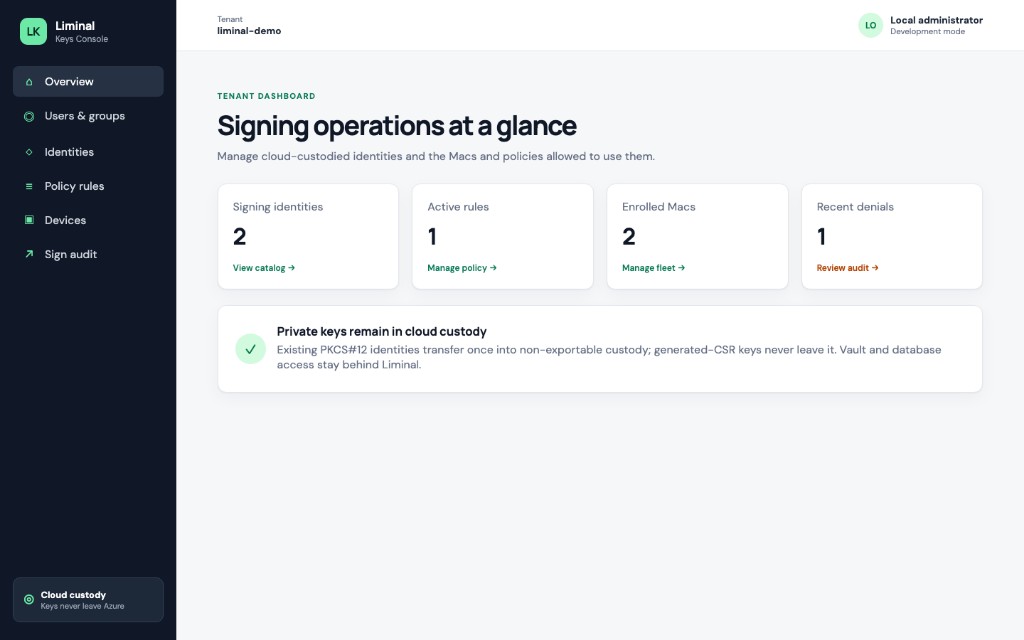
Sign macOS apps with your Apple Developer ID while the private key stays non-exportable and software-protected in Azure Key Vault. Manage identities, Macs, policy rules and audit in Liminal Console; Xcode and codesign keep working as usual.
How it works
- Sign in to Liminal Console and import or generate a signing identity.
- Install Liminal Keys for Mac and enroll the Mac with a one-time code.
- Apply an allow rule, then sign with Xcode or codesign. The digest is signed in custody and only the signature comes back.
FAQ
Does the private key ever reach my Mac?
No. The Mac receives only the public certificate. The private key stays non-exportable and software-protected in Azure Key Vault, and signing happens there.
How do I sign in to Console?
With a Microsoft work or school account, Google, or Apple.
What does it cost?
Liminal Keys is free during the beta, no card required. Paid plans, listed on liminalkeys.com/pricing, start at the 1.0 release, with 60 days to convert after the end-of-beta notice.
Are HSM-backed keys available?
Not today. Keys are software-protected in Azure Key Vault; HSM-backed keys are on the roadmap.
Who uses it?
WatchTeams, our Apple Watch app. WatchTeams TestFlight builds, including build 1.7.0, shipped with Liminal Keys.